Meet Skills: teach Nova your repeatable tasks
 Stephanie Donald • 3 min read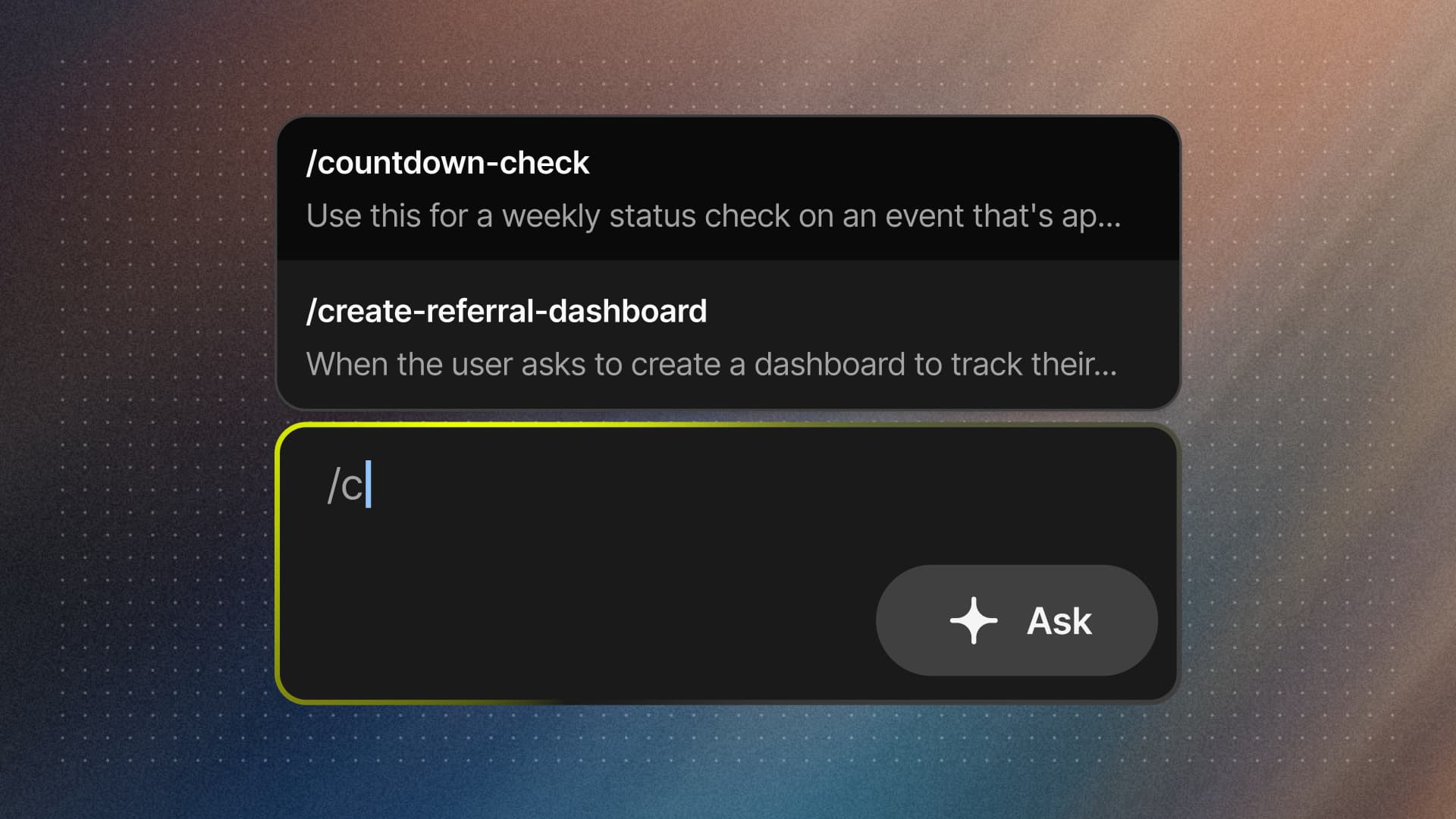
As an event organizer running a portfolio of events across the year, some tasks come around again and again. The weekly performance summary. The startlist entrant export, with the columns your team actually uses. The email build that follows your audience segmentation rules. Nova can do all of these, but until now you had to walk it through the same steps every time.
Skills fix that. A Skill is a reusable workflow you create once, so Nova can follow the exact steps whenever the task comes up. They’re especially useful for multi-step processes with specific requirements. The output comes back formatted exactly the way you want it, whether it’s a data summary, a dashboard, or a CSV spreadsheet.
Creating and using skills
You can create one in a couple of ways:
- Create a Skill during a conversation (the easiest way, and the one we’d start with). Once you’ve got Nova to do a task exactly the way you want, just ask it to turn that into a Skill. It captures the steps you just ran, so your best result becomes repeatable in a single line, with nothing to write from scratch.
- From the Skills page. Press Create New Skill, then either compose the Skill directly or use the Create with Nova button if you’d like guidance writing it as efficiently as possible.
Once a Skill exists, Nova uses it automatically when it’s relevant, or you can call it directly by typing its /shortcut in any chat.
Skills from Let’s Do This, ready to go
You don’t have to start from a blank page. A growing set of verified Skills, built and maintained by Let’s Do This, are available to every organizer using Nova, covering the jobs event teams do again and again. Use them as-is, or treat them as a starting point for your own. You can see every Skill available to you by typing / in any chat, or by opening the Skills page.
Built for teams
The best operational knowledge shouldn’t live in one person’s head. By default, every Skill is personal to you, but you can choose to share it with your team. Once you do, everyone on your organizer account can see and edit that Skill, so the way your team builds reports, exports, and audiences becomes something Nova applies consistently, no matter who’s driving. You can also turn any Skill on or off for yourself without affecting anyone else.
Skills vs Instructions:
what’s the difference?
Nova already has Instructions: the background knowledge it carries into every chat, like your business language (“we say entries, not registrations”), which data to include or exclude (“we sold the Summer Series to another business, so leave it out”), and your guardrails (“never recommend discounts; suggest marketing and referrals instead”).
Instructions are always on. Skills are on demand.
- Instructions tell Nova who you are and how you work: context that shapes everything it does, in the background, all the time.
- Skills tell Nova how to do a specific job: a defined task you trigger when you need it, returning a specific output.
They’re built to work together. Set your Instructions once so every conversation starts with the right context, then build Skills for the tasks you run over and over.
Why it matters
Every Skill you save is a task you never have to spell out again. The weekly report comes back in your format without a fresh brief. New team members run your best-practice workflows on day one instead of month three. And the more you teach Nova, with Instructions for context and Skills for the work, the more it operates like part of your team.
Skills are live in Nova today, for every organizer. Open Nova and ask it: “Help me create a skill.”
Want to see Skills in action for your events? Join the waitlist.
BETA GROUP NOW OPEN
Get access to personalised, data-driven insights to supercharge your event growth.